Professional PDF invoices — numbered, e-mailed, done.
Invoice Studio turns every order into a clean PDF invoice in your customer’s language and currency, numbers it automatically, e-mails it with the PDF attached and exports the month for your accountant. Packing slips come with it.
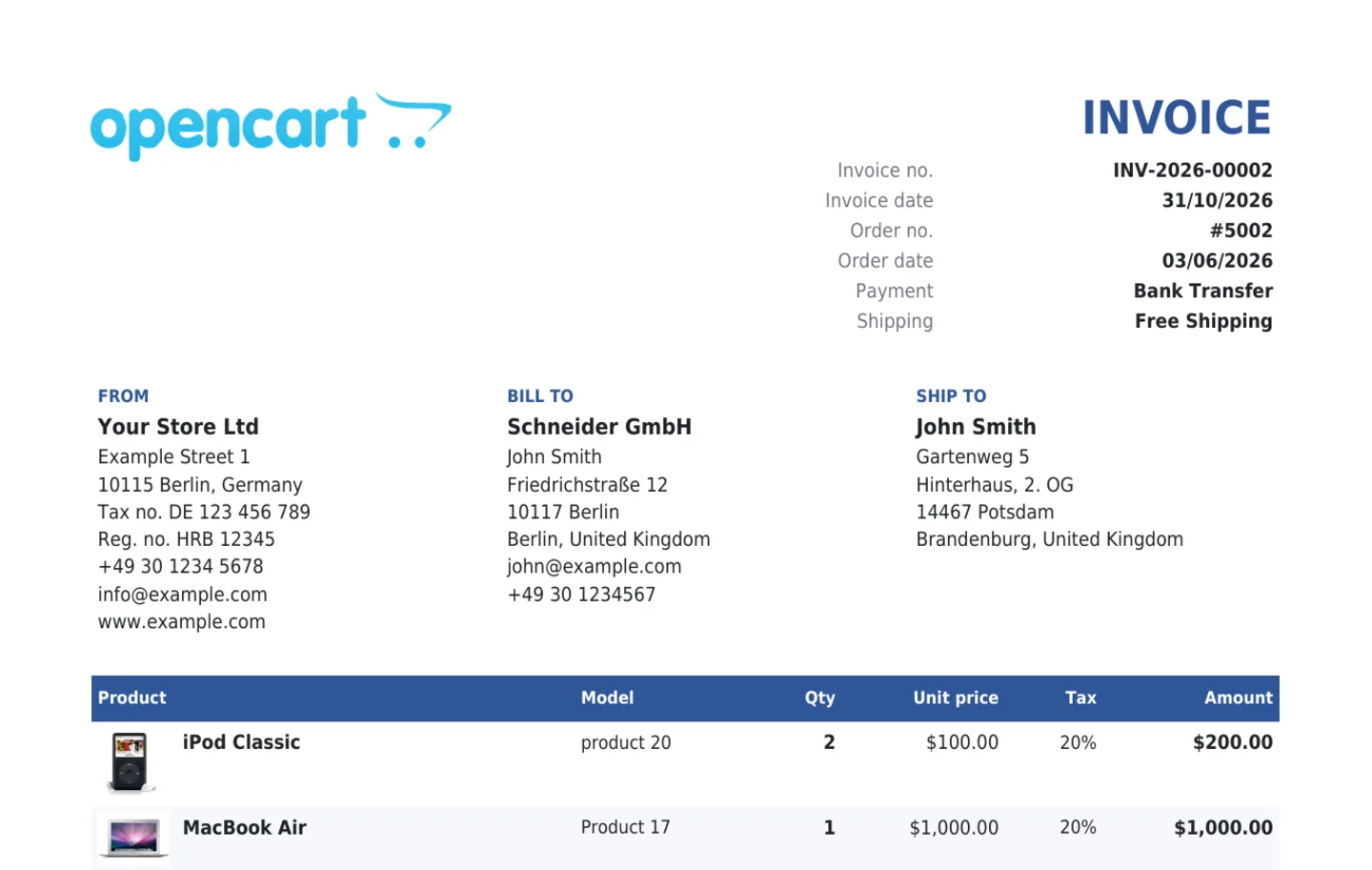
Everything an invoice needs
From the first order to the accountant’s spreadsheet.
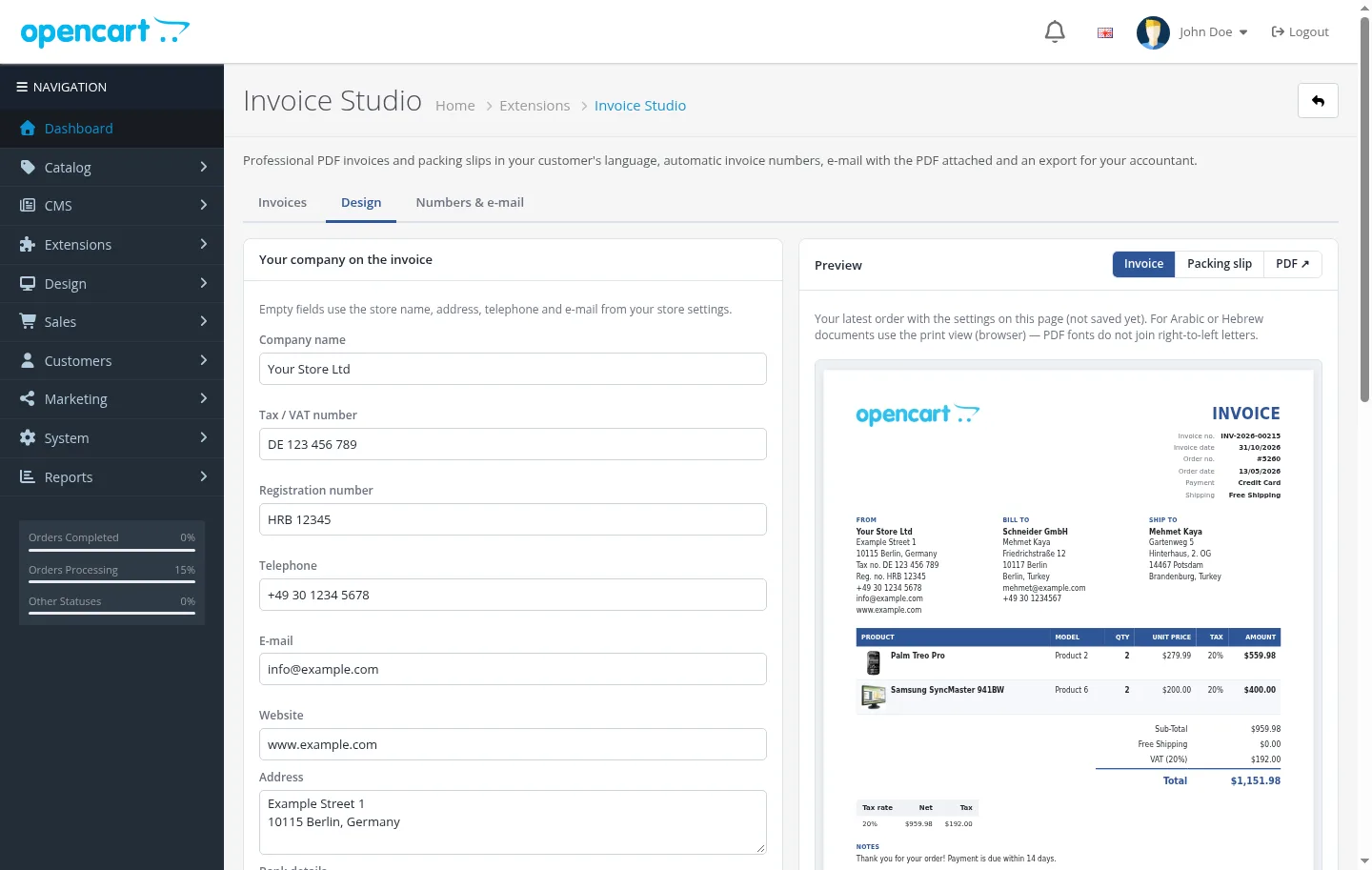
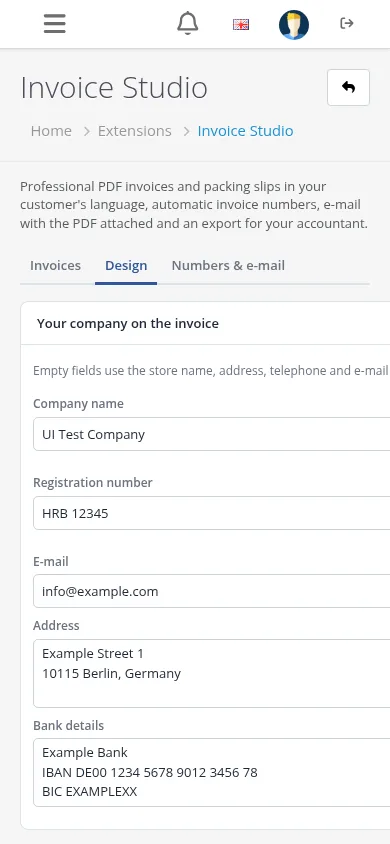
Logo, colour, company block with tax and registration numbers, bank details, bill-to and ship-to addresses, product pictures, tax rate column and a tax summary per rate.
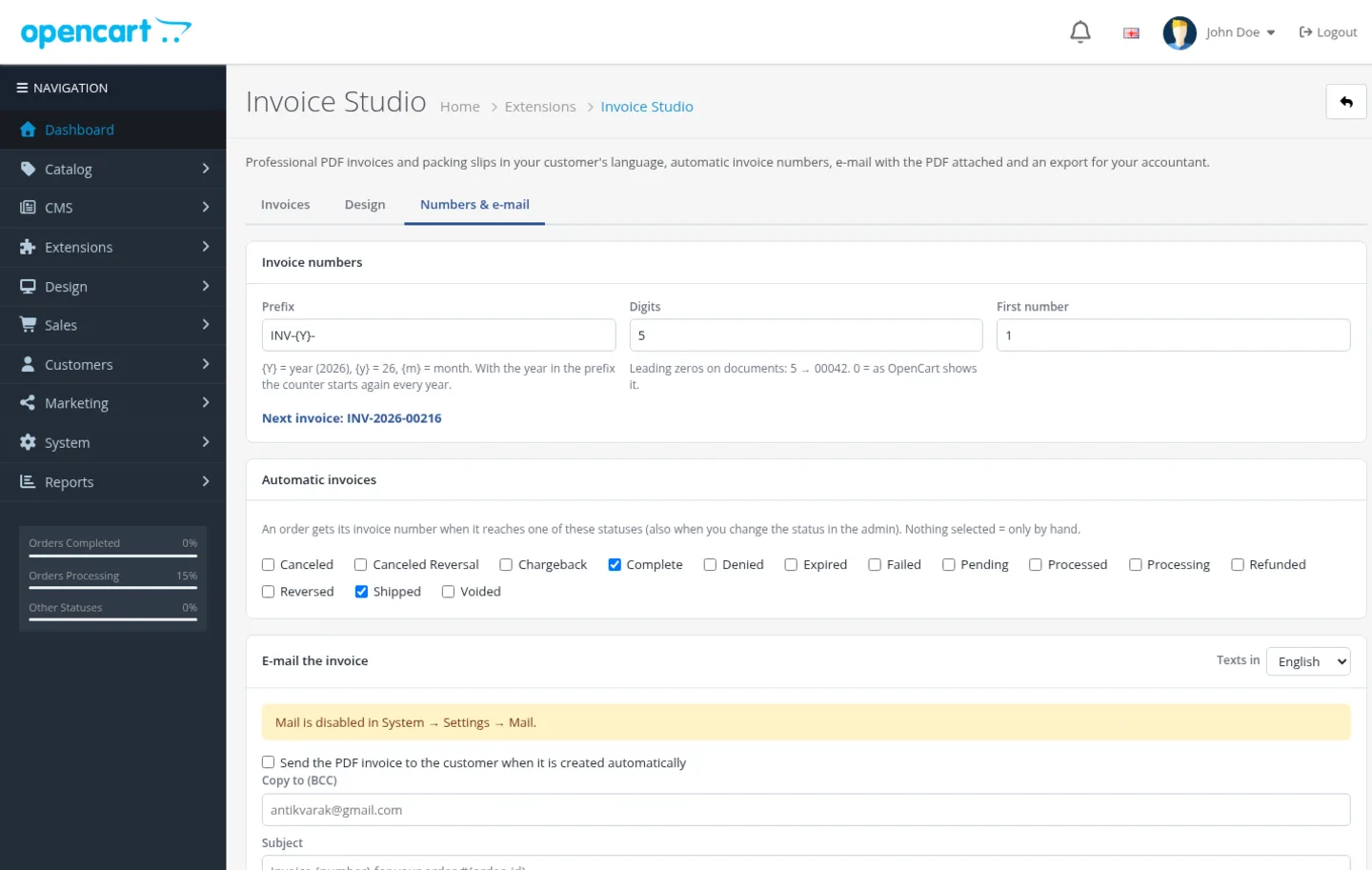
Prefix with year or month, leading zeros, a yearly counter — in OpenCart’s own invoice fields, given automatically when an order reaches the statuses you choose.
The customer receives the invoice as a PDF the moment it is created, or with one click; an optional copy goes to you separately.
Packing slips with checkboxes and weights. Select orders in the order list and print all invoices or slips as one PDF.
Labels, date and number formats follow the order language; notes, footer and e-mail texts per store language.
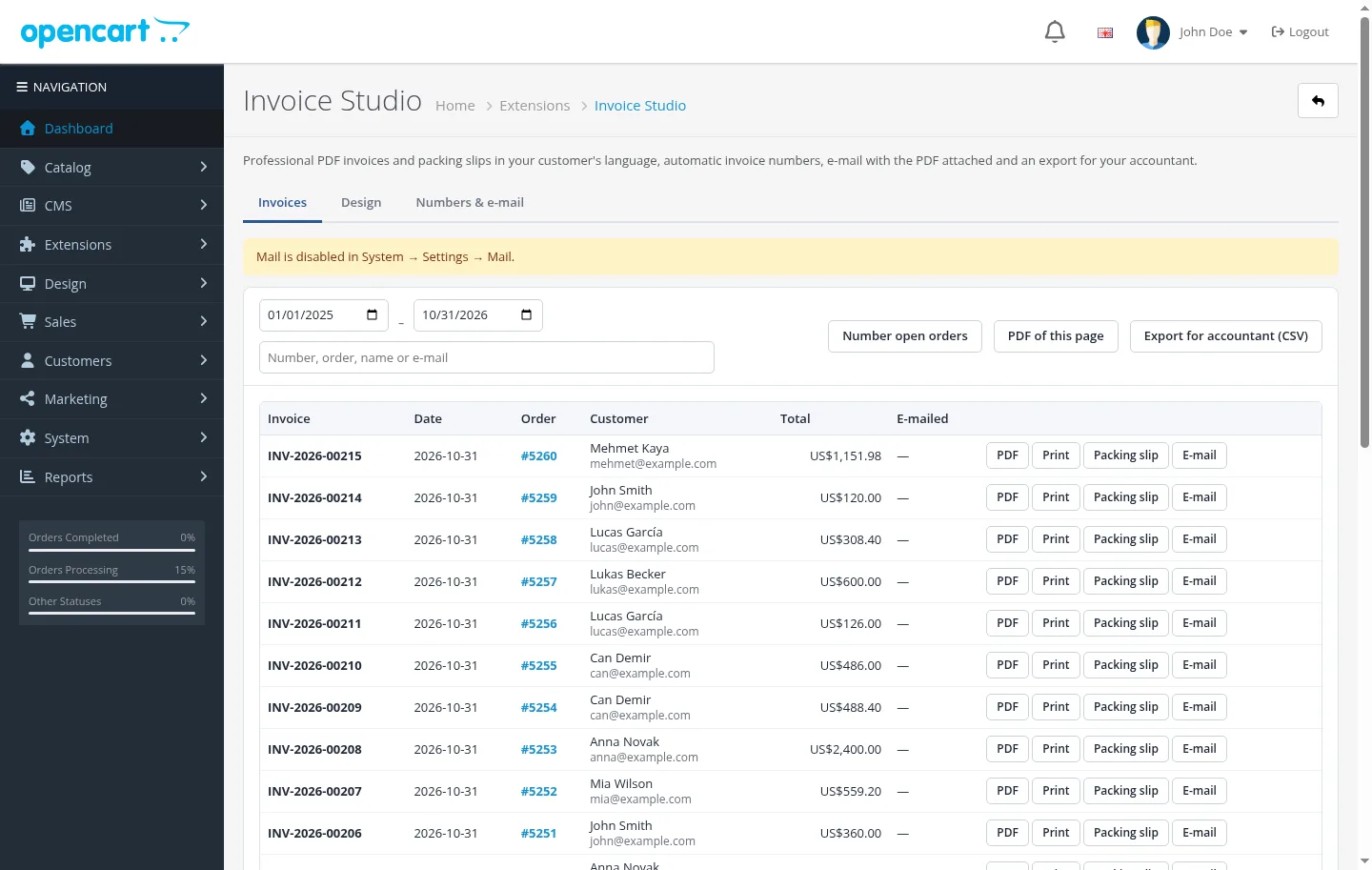
CSV export with number, date, customer, company, tax number, country, net, tax per rate and total — opens straight in Excel.
Documents
| Document | Contains | Where |
|---|---|---|
| PDF invoice | number, dates, seller and buyer, lines, totals, tax summary, bank details | order page, invoice list, e-mail |
| Packing slip | ship-to first, checkboxes, quantities, weights | order page, order list |
| Print view | the same document as HTML, for any script incl. right-to-left | browser print |
| Bulk PDF | all selected orders in one file | order list, invoice list |
| PDF attached, texts per language, separate copy to you | automatic or one click | |
| Accountant CSV | net, tax per rate and total per invoice | invoice list |
Live demo — try it before you buy
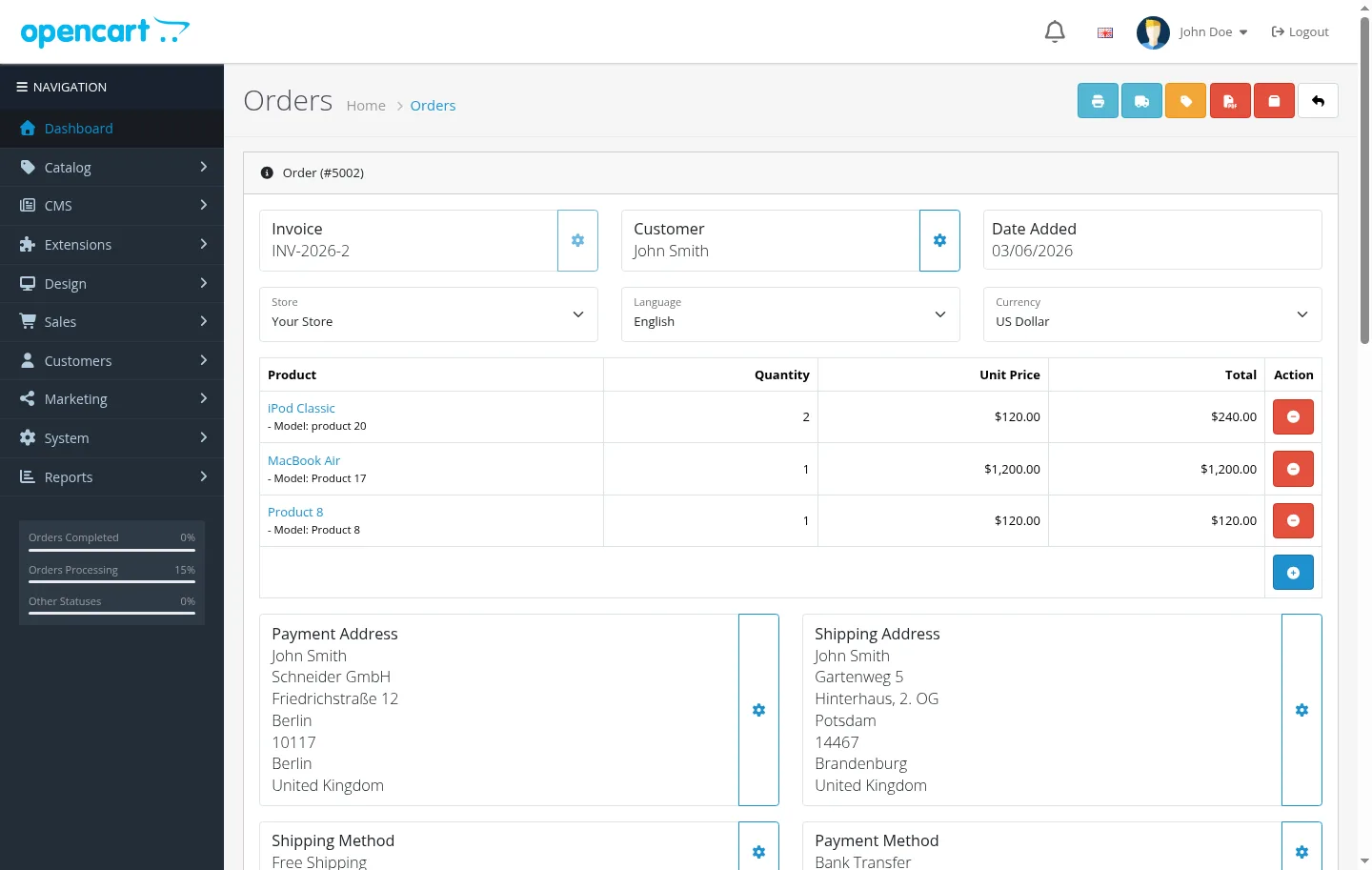
Log in with demo / demo — the login form is already filled in. Open any order: the red buttons next to OpenCart’s own print buttons open the PDF invoice and the packing slip. Or go to Sales → Invoice Studio. Demo data is reset regularly.
The demo user can try the extension but cannot change store settings or send e-mails.
Screenshots
Taken on an OpenCart 4.1 test store with sample orders.
Compatibility
| OpenCart 3.0.x | OpenCart 4.0.2 – 4.1 | |
|---|---|---|
| Package | invoice_studio_oc3.ocmod.zip | invoice_studio.ocmod.zip |
| PHP | 7.1 – 8.4 | 8.0 – 8.4 |
| Bulk PDF from the order list | ✓ | ✓ |
| Languages | English, Türkçe, Deutsch, Français, Español, Italiano, Português (BR), Русский, العربية | |
| Core / theme changes | None | None |
FAQ
Does it work with my existing invoice numbers?
Yes. Invoice Studio uses OpenCart’s own invoice number fields: orders that already have a number keep it, and new numbers continue the series.
Is the invoice in the customer’s language?
Yes. Labels, date and number formats follow the language the order was placed in; your notes, footer and e-mail text can be written per store language.
Do I need a PDF service or an API key?
No. PDFs are created on your own server with the bundled library and fonts — nothing is sent anywhere.
What about Arabic or Hebrew?
Use the print view: the browser shapes right-to-left text correctly and prints or saves it as PDF. The server-side PDF covers Latin, Cyrillic and Greek scripts.