Shipping labels for every parcel — free.
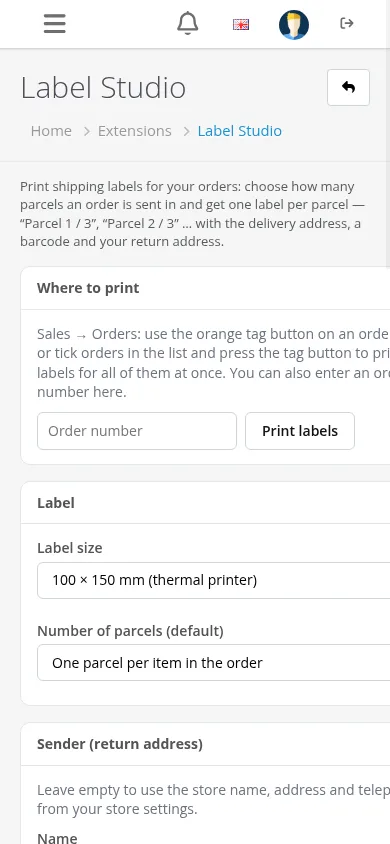
Label Studio adds a “Print shipping labels” button to your orders. Choose how many parcels an order goes out in and get one label per parcel — “Parcel 1 / 3”, “Parcel 2 / 3” … — with the delivery address, a barcode of the order number and your return address.
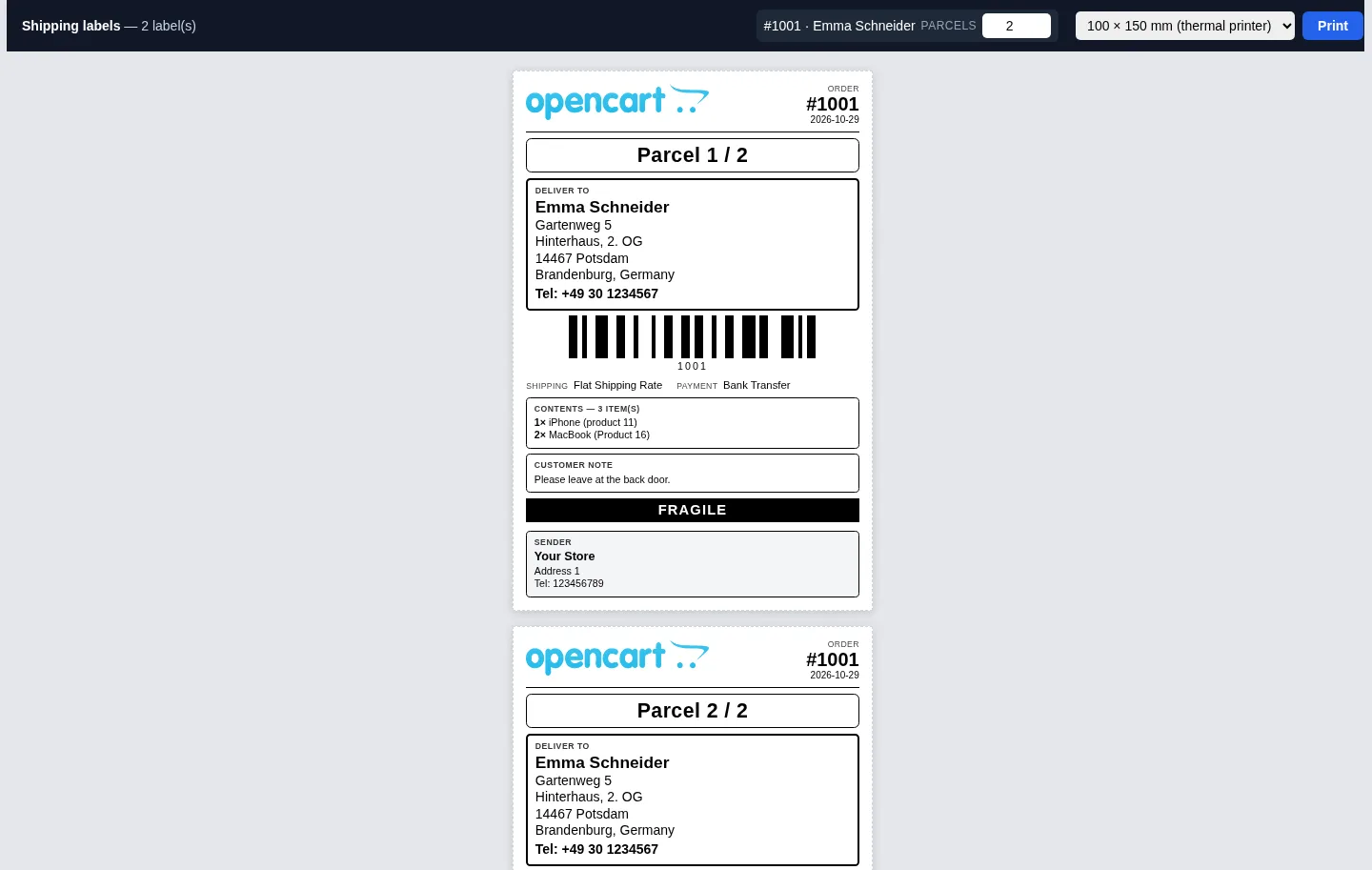
Everything a parcel label needs
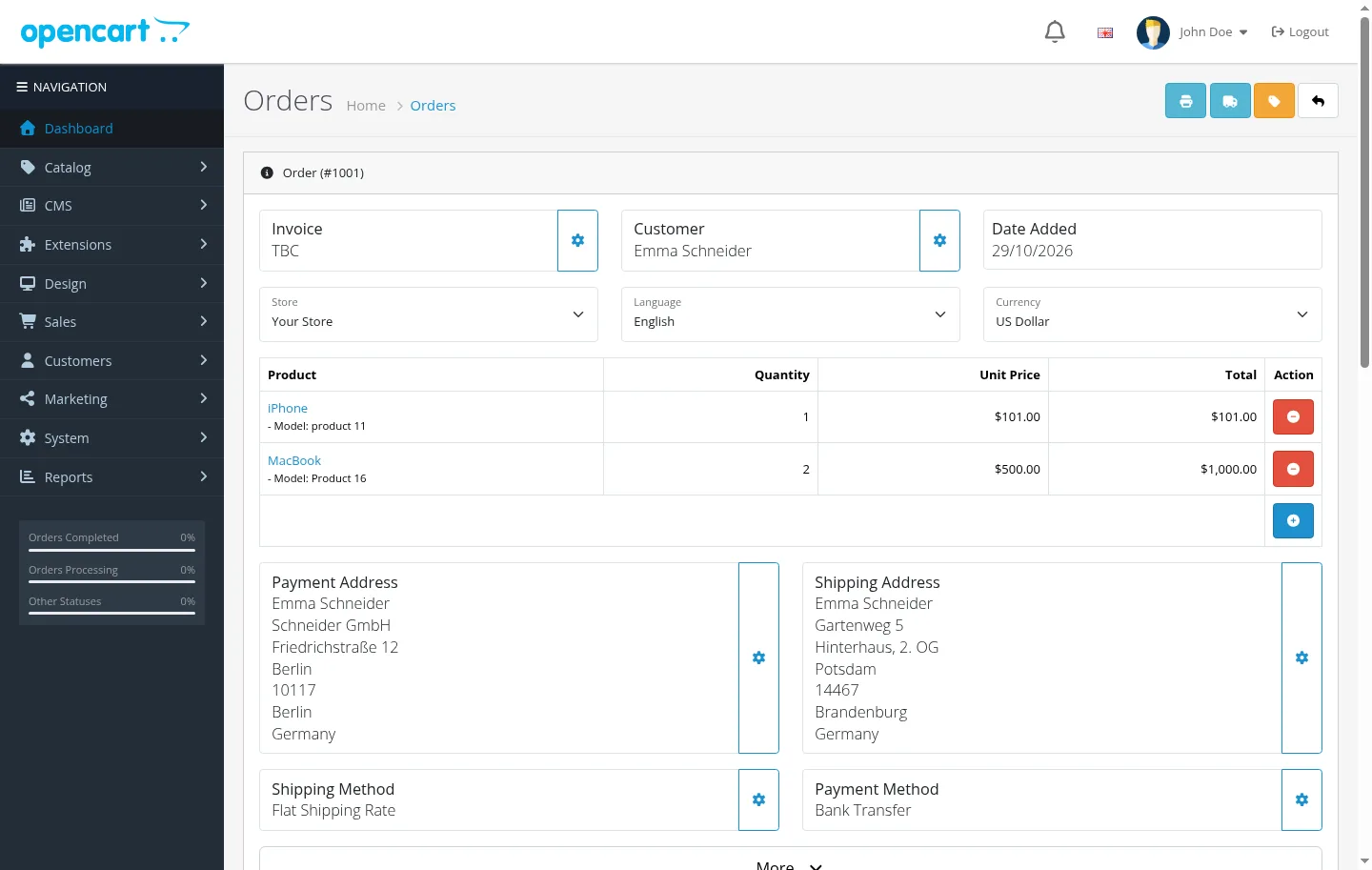
Print from the order page or for many orders at once.
One label per item by default, or one per order. Change the number right before printing; every label shows “Parcel n / N”.
The shipping address — not the billing address — with the customer’s telephone in bold, so the courier can call.
A scannable CODE128 barcode of the order number, drawn by the extension itself — no external scripts.
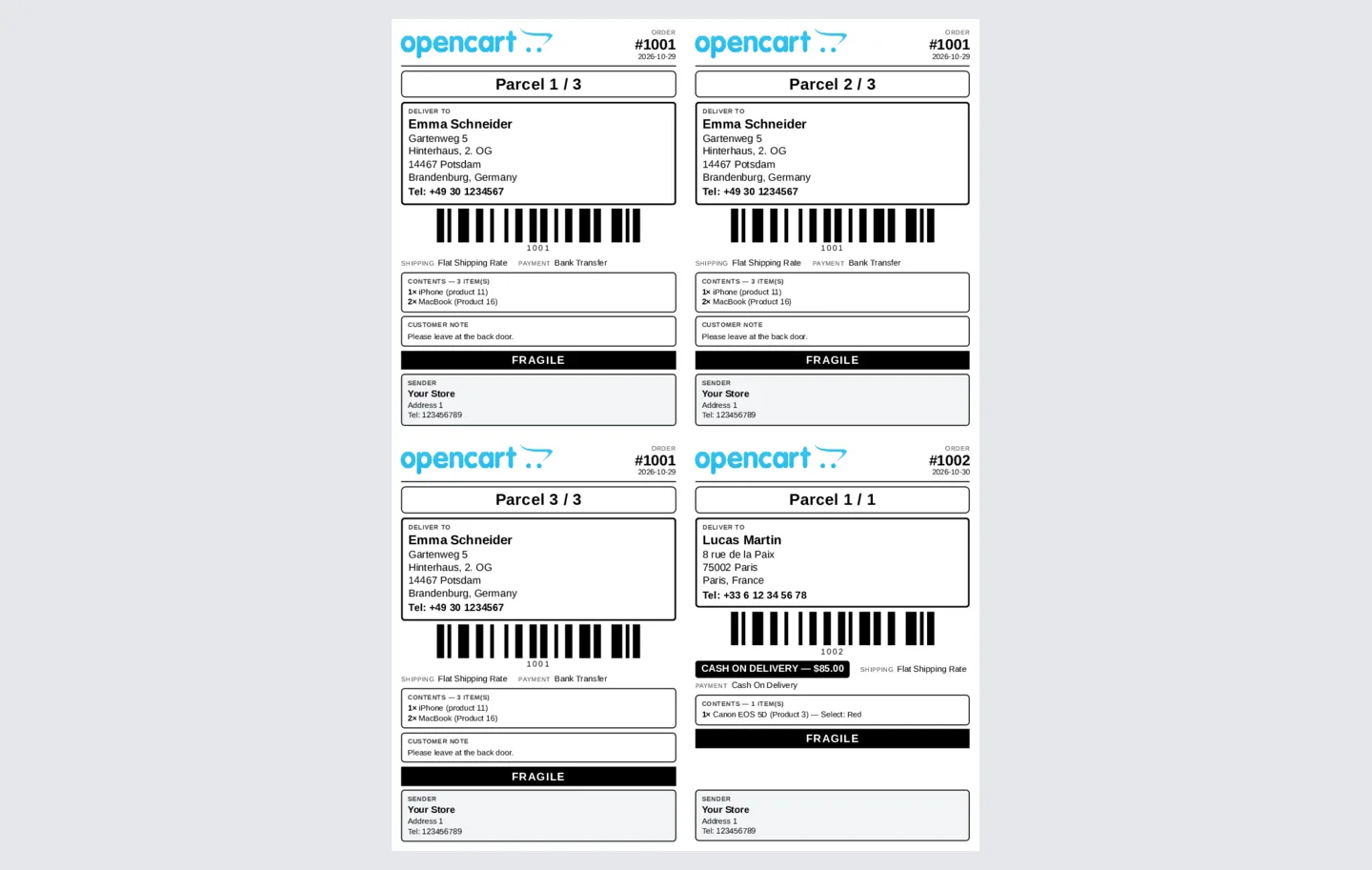
Tick orders in the order list and print all their labels in one go, each with its own parcel count.
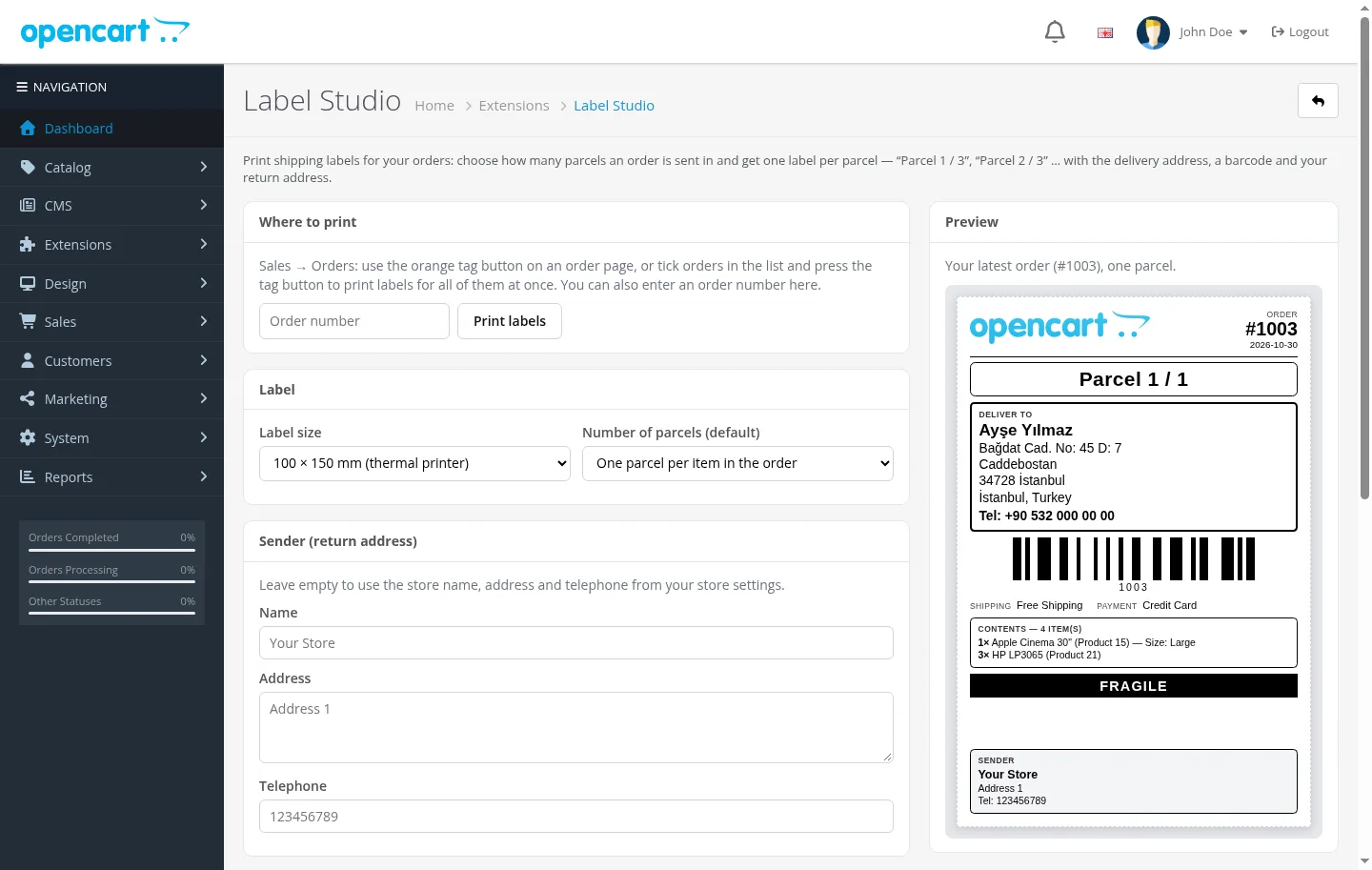
100×150 mm and 100×100 mm thermal labels, A6, or plain A4 sheets with 2 or 4 labels.
Logo, products and options, shipping and payment method, cash-on-delivery amount, customer note, a FRAGILE banner and your own note — each on or off.
Label sizes
| Size | Printer | Labels per page |
|---|---|---|
| 100 × 150 mm | thermal label printer (the courier standard) | 1 |
| 100 × 100 mm | thermal label printer, small parcels | 1 |
| A6 — 105 × 148 mm | A6 labels or A6 paper | 1 |
| A4 — 2 per page | any office printer | 2 |
| A4 — 4 per page | any office printer, or A4 sheets with 4 adhesive labels | 4 |
| Every size | live preview of your latest order on the settings page | change the size right before printing |
Live demo — try it before you install
Log in with demo / demo — the login form is already filled in. Open Sales → Orders → order #1001 and press the orange tag button. Demo data is reset regularly.
The demo user can try the extension but cannot change store settings.
Screenshots
Taken on a clean OpenCart 4.1 test store with demo orders.
Compatibility
| OpenCart 3.0.x | OpenCart 4.0.2 – 4.1 | |
|---|---|---|
| Package | label_studio_oc3.ocmod.zip | label_studio.ocmod.zip |
| PHP | 7.1 – 8.4 | 8.0 – 8.4 |
| Bulk printing from the order list | ✓ | ✓ |
| Languages | English, Türkçe, Deutsch, Français, Español, Italiano, Português (BR), Русский, العربية | |
| Core / theme / storefront changes | None | None |
FAQ
Is it really free?
Yes. Label Studio is free on the OpenCart Marketplace, without limits or a paid version.
Which printer do I need?
Any printer. Thermal label printers use the 100×150 mm or 100×100 mm size; office printers use A6 or A4 with 2 or 4 labels per page. The labels are printed from your browser.
Does it change my storefront or theme?
No. Label Studio only works in the admin: two admin events add the button to the order page and the order list. No core or theme files are modified.
Can I change the sender address?
Yes. By default the store name, address and telephone from your store settings are used (per store); you can enter a different return address in the extension.