Your whole store in every language — reviewed by you, written by AI.
Lingo Studio translates products, categories, pages, attributes and options, creates SEO URLs and writes product descriptions and meta tags. Every result is a proposal you can edit before it goes live — and every change can be undone.
Built for real catalogues
From a handful of new products to tens of thousands of items in a new market.
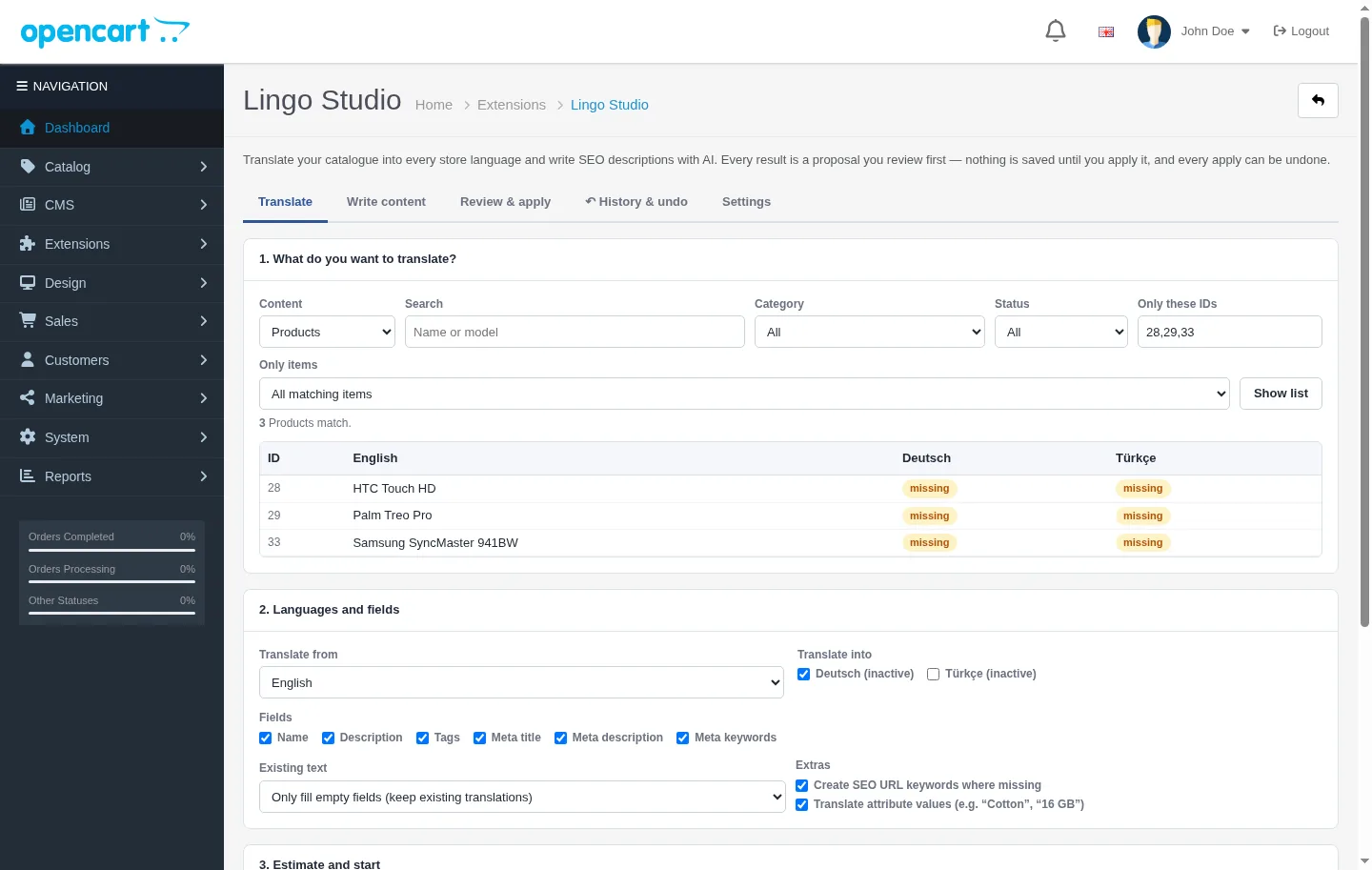
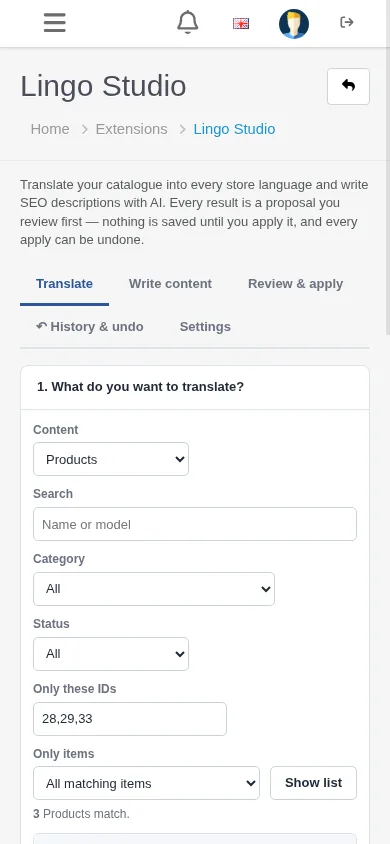
Products (incl. attribute values), categories, information pages, blog articles and topics (OpenCart 4), attributes, options and filters — into any language your store has, even inactive ones you are preparing.
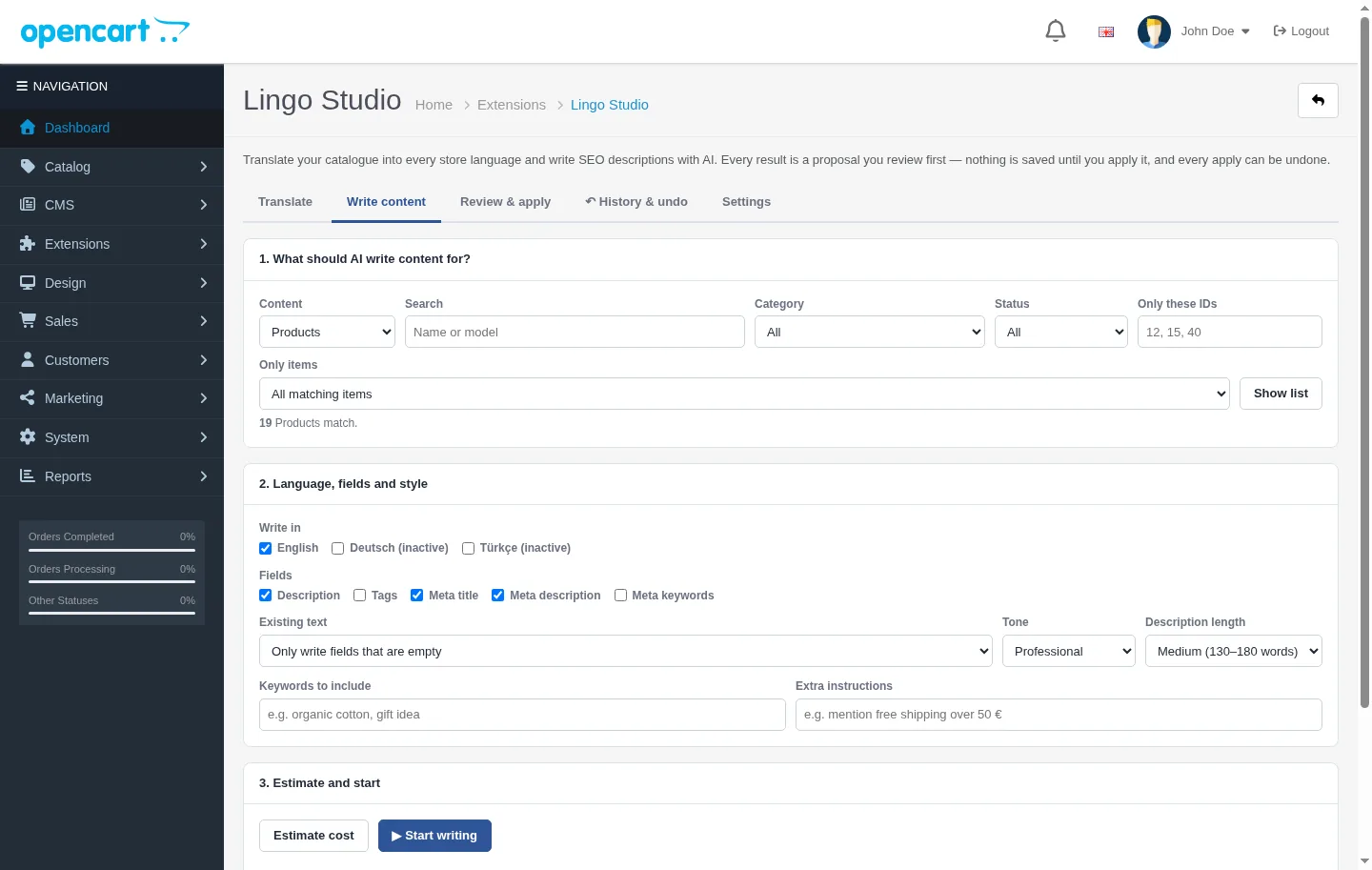
Generate descriptions, meta titles, meta descriptions and tags from the product name, brand, categories and specifications. Choose tone and length, add keywords. It never invents specs.
See current text next to the proposal, edit it inline, reject what you don’t like. HTML changes and over-long meta tags are flagged.
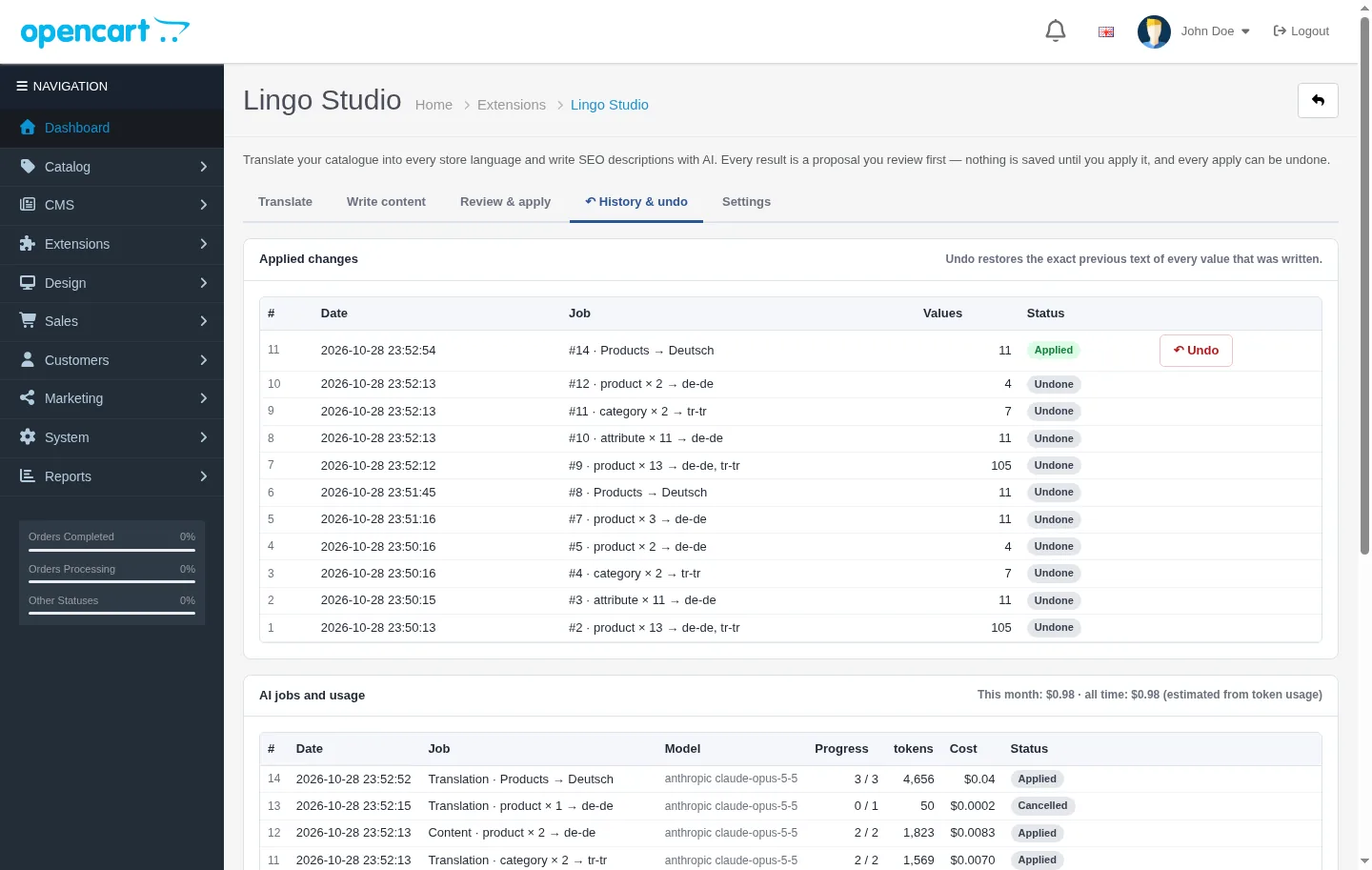
Each apply stores the exact previous text of every value it wrote — including SEO URLs and attribute values — and restores it on undo.
Estimate tokens and cost before you start, see real usage per job. Short items like option values are batched 40 per request to keep bills low.
Anthropic Claude, OpenAI, Google Gemini, any OpenAI-compatible API (DeepSeek, Mistral, OpenRouter, local Ollama) or DeepL. No subscription, no middleman — requests go straight from your server.
How it works
What to translate or write, which languages and fields — only empty fields or everything.
The job runs in small steps (pause and resume any time). Proposals wait for your review.
Write the approved texts to your store. Changed your mind? Undo from History.
Live demo — try it before you buy
Log in with demo / demo — the login form is already filled in. Then open Catalog → Lingo Studio. Demo data is reset regularly.
The demo user can try the extension but cannot change store settings. AI features need your own API key, so they are switched off in the public demo.
Screenshots
Taken on a clean OpenCart 4.1 test store.
Compatibility
| OpenCart 3.0.x | OpenCart 4.0.2 – 4.1 | |
|---|---|---|
| Package | lingo_studio_oc3.ocmod.zip | lingo_studio.ocmod.zip |
| PHP | 7.1 – 8.4 (cURL) | 8.0 – 8.4 (cURL) |
| Blog articles & topics | — | ✓ |
| SEO URLs | ✓ | ✓ incl. category paths |
| Core / theme / storefront changes | None | None |
FAQ
Do I need a subscription?
No. You use your own API key and pay your provider directly for what you use. Lingo Studio shows the estimated cost before every job.
Will it break my HTML descriptions?
The AI is told to keep every tag, attribute, URL, number and SKU. Lingo Studio also compares the HTML structure of source and result and flags any proposal where it changed.
Can I keep my brand terms?
Yes. The glossary lists terms that are never translated and fixed translations, globally or per language, plus house-style instructions sent with every request.
What happens on rate limits or errors?
Requests are retried with back-off. Items that still fail are marked and can be retried later; a rejected key pauses the job instead of burning through your catalogue.